
Security System and Camera Installation in Woodhurst, Rockford – Real Protection, Not Just a Sticker on Your Window
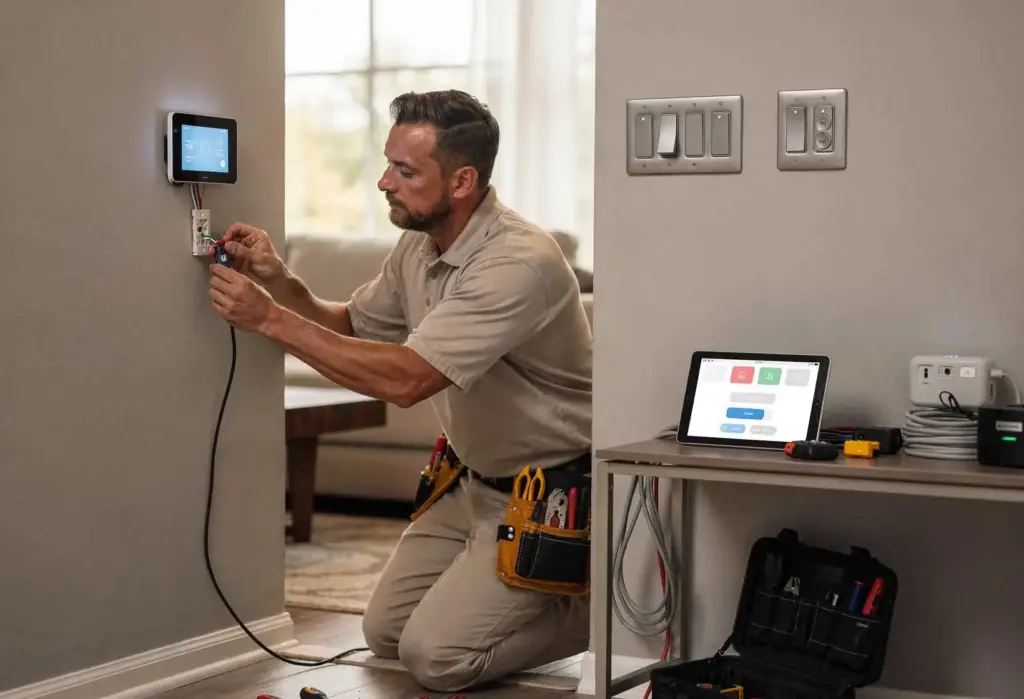
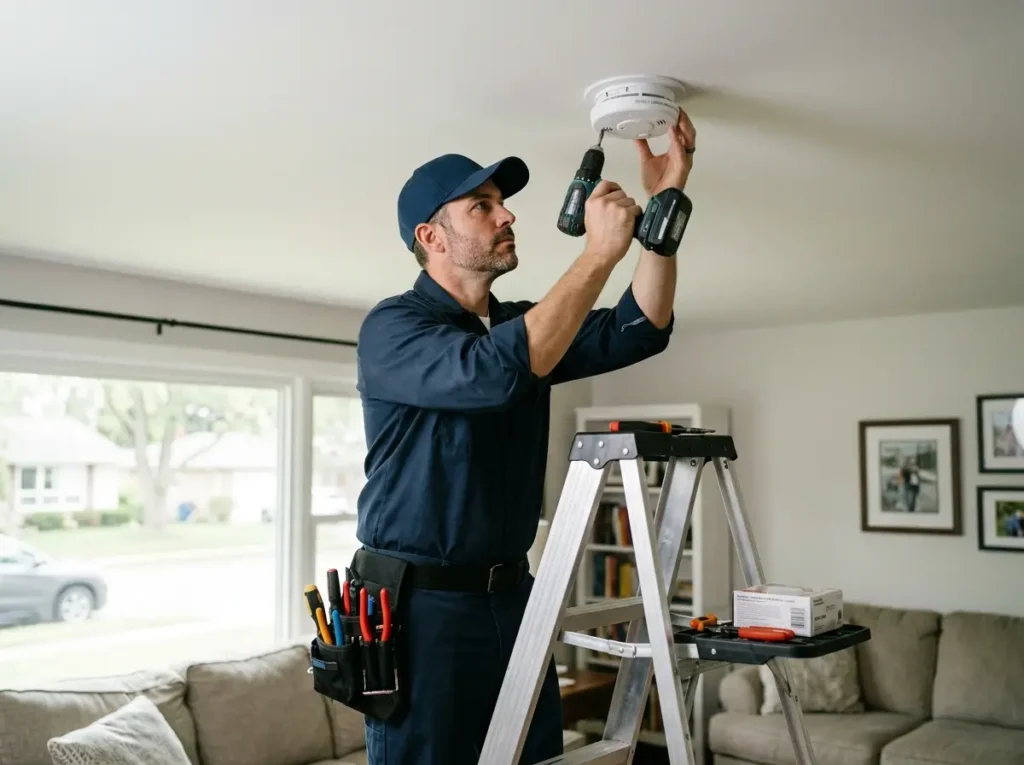
A yard sign and a few window decals might deter an amateur. But a determined burglar looks for weak spots – dark corners, blind spots, cameras that aren't actually recording, or systems that go offline when the Wi-Fi drops. In Woodhurst and Rockford, homeowners need more than a false sense of security. They need systems that work when they matter most. Our licensed electrical company specializes in security system and camera installation that delivers actual protection. We do not sell the cheapest cameras from a big‑box store. We install commercial‑grade equipment: PoE (Power over Ethernet) cameras that record 24/7 without battery changes or Wi‑Fi dropouts, NVRs with redundant hard drives (RAID) for fail‑safe storage, and video doorbells that integrate with your existing chime wiring. We also install full alarm systems with door/window contacts, glass‑break sensors, and motion detectors. Whether you want to monitor your front porch, watch your backyard, or secure every entry point, we design a system with zero blind spots. Homeowners across Woodhurst and Rockford choose us because our systems do not rely on the cloud – you own your footage, there are no monthly fees, and you can watch your cameras from anywhere in the world using secure remote viewing.
The Technology Choice That Matters – PoE vs. WiFi vs. Analog (And Why PoE Wins for Professional Installation)
Most homeowners do not know there are three completely different camera technologies. We explain them during our consultation because the choice affects reliability, image quality, and long‑term cost.
- PoE (Power over Ethernet) – a single Cat5e or Cat6 cable carries both power and data. No batteries, no Wi‑Fi interference, no dropouts. The camera records continuously (not just motion clips) to a local NVR. Best for professional installation. Time: 3‑6 hours for 4‑8 cameras.
- Wi‑Fi cameras – each camera needs a power outlet (or batteries) and a strong Wi‑Fi signal. Signals drop during storms or when neighbors use the same channel. Batteries die every 3‑6 months. Cloud storage costs $5‑$15 monthly per camera. Best for renters or temporary setups. We install them if requested, but we always explain the trade‑offs.
- Analog CCTV (BNC) – older technology, lower resolution (usually 720p or 1080p), still used for budget installations. Requires a separate power cable and video cable. We offer analog systems only for customers on a tight budget who understand the limitations.
What Our Security Installation Includes – A Step‑by‑Step Look at a Woodhurst or Rockford Home
Every security system we install follows the same careful process. Below is what we do for homeowners in Woodhurst and Rockford, along with realistic timeframes for a typical 2,000‑2,500 sq ft home with 4‑8 cameras.
- Step 1 – Site assessment (1‑2 hours): We walk your property, identify every entry point (doors, windows, garage), note dark corners and blind spots, and discuss your goals. We also test your existing Wi‑Fi (if using wireless cameras) or plan cable routes (if PoE).
- Step 2 – Camera placement planning (1 hour): We mark exact camera locations, considering field of view (110°‑130°), height (8‑10 feet for facial recognition), and lighting (avoiding direct sun or glare). We also plan night vision coverage (IR range).
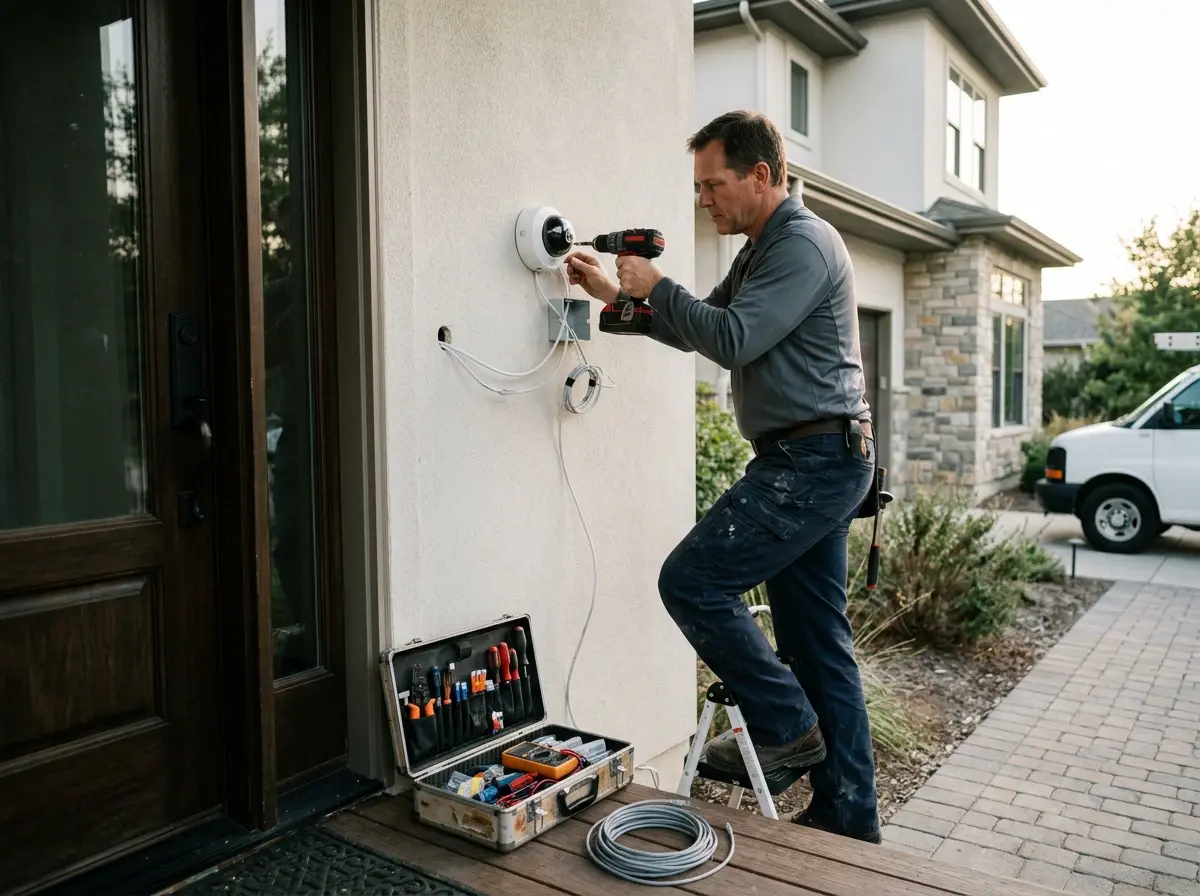
- Step 3 – Cable runs (2‑5 hours for PoE): We run Cat5e or Cat6 cable through attics, basements, or crawlspaces. We avoid electrical wiring to prevent interference. We terminate each cable with an RJ45 connector at both ends.
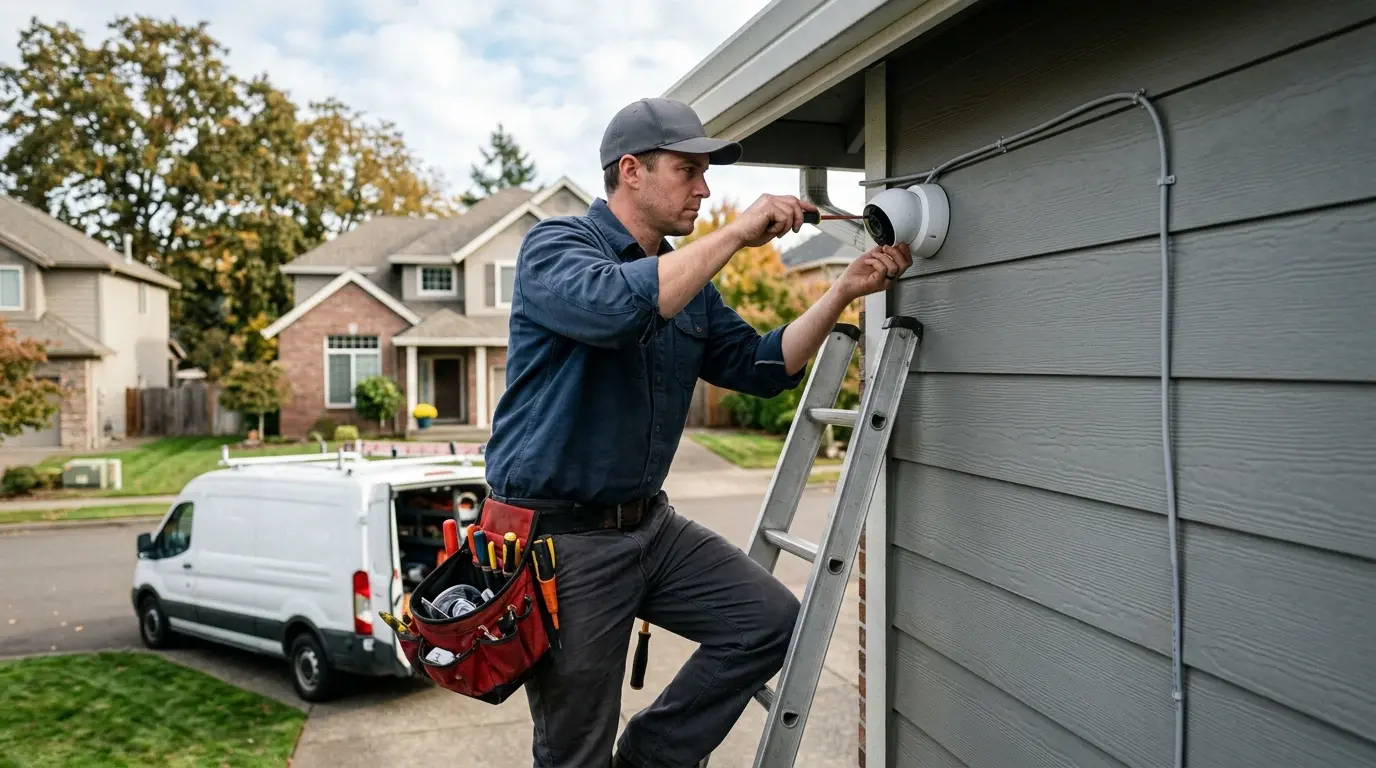
- Step 4 – Camera mounting (1‑2 hours): We mount each camera to siding, brick, or eaves using weatherproof brackets. For dome cameras, we adjust the vandal‑resistant housing. For bullet cameras, we aim the lens exactly where planned.
- Step 5 – NVR setup (1‑2 hours): We mount the NVR near your router and main panel, connect all camera cables, format hard drives, configure network settings (port forwarding or P2P), and set up remote viewing on your smartphone app.
- Step 6 – Training (30‑60 minutes): We show you how to view live feeds, review playback, set motion detection zones, export clips, and change settings. We also leave you with a written quick‑start guide.
Common Security System Problems We Fix in Woodhurst and Rockford – Real Cases, Real Solutions
We have diagnosed and repaired hundreds of existing security systems across Woodhurst and Rockford. Most problems come from DIY installations or low‑quality equipment. Below are the most frequent failures and what it took to fix them.
- Camera goes offline every night – the Wi‑Fi camera was connecting to a 2.4 GHz network that was overloaded (neighbors all on the same channel). Fix: Hardwired the camera with PoE (2 hours) or changed Wi‑Fi channel (30 minutes).
- Night vision is completely black – IR LEDs burned out because the camera was installed under an eave that collected heat from the unit itself. Fix: Replace camera with a model rated for that environment (1 hour).
- Remote viewing stopped working – the homeowner's router rebooted and assigned a new IP address to the NVR. The port forwarding rule still pointed to the old IP. Fix: Assign a static IP to the NVR (30 minutes).
- Motion detection triggers every 5 minutes – a tree branch or flag was moving in the wind, or headlights from passing cars. Fix: Adjust motion sensitivity and add activity zones (20‑30 minutes).
- NVR makes constant clicking noise – hard drive failure. Fix: Replace with surveillance‑grade hard drive (2TB, 4TB, or 8TB). Time: 30‑45 minutes plus drive cost.
- Video doorbell chime stopped working – the transformer was underpowered (older homes often have 10VA transformers; video doorbells need 16‑24VA). Fix: Replace transformer (1 hour).
- Alarm system keypad shows "trouble" condition – low backup battery or an open zone (door or window sensor disconnected). Fix: Replace battery (30 minutes) or re‑pair sensor (15 minutes).
Most repairs are completed within 1‑3 hours. For systems that are beyond repair (obsolete DVRs, failed hard drives, proprietary systems from defunct companies), we recommend a complete replacement. A new 4‑camera PoE system with NVR typically costs $1,500‑$2,500 installed, with no monthly fees.
Beyond repairs, we also offer security system upgrades. Many homeowners in Woodhurst and Rockford have older analog CCTV systems (480p or 720p resolution) that are obsolete. We can replace their analog DVR with a hybrid NVR that accepts both analog and IP cameras, then gradually upgrade their cameras to 4K PoE. This phased approach spreads the cost over time while improving image quality immediately.
Why Professional Installation Beats DIY – The Hidden Failures of Consumer Security Kits
Consumer security kits (Arlo, Ring stick‑up cams, Blink, Wyze) are designed for easy setup, not reliable security. The trade‑offs are hidden. First, they rely on your home's Wi‑Fi, which is already congested with streaming video, gaming, Zoom calls, and dozens of other devices. Adding 4‑6 cameras often pushes the network past its limit, causing dropouts and missed motion events. Second, they use batteries that die at the worst times – usually in the middle of the night or during a storm when you need them most. Third, they store footage in the cloud, which means you pay a monthly fee forever (typically $5‑$15 per camera) and you do not own your data. Fourth, they have limited night vision range (30‑40 feet) compared to professional PoE cameras (100+ feet). Professional PoE cameras eliminate every one of these compromises. The cable carries both power and data, so no batteries, no Wi‑Fi, no dropouts. The NVR stores footage locally on a hard drive you own. The cameras record 24/7 – not just motion clips – so you never miss the moment before the motion started. And professional cameras have superior image sensors (4K resolution, true WDR for backlighting, and 100+ feet of night vision). When you hire us for security camera installation near me in Woodhurst or Rockford, you get a system that works every second of every day – not just when the Wi‑Fi is up and the batteries are charged.
We also help with HOA and municipal requirements. Some HOAs in Woodhurst and Rockford restrict camera placement (no cameras pointing at neighbors' windows, no visible wiring, certain color housings only). We review your HOA guidelines before installation and choose compliant cameras. For municipalities with false alarm fines, we adjust motion sensitivity to avoid nuisance triggers and integrate with alarm permits where required.
Ready to Secure Your Home in Woodhurst, Rockford with a System You Can Trust? Get a Free Security Assessment Today
Stop relying on a $50 camera from the internet. Call us today to schedule a free, no‑obligation security assessment. We will walk your property, identify vulnerabilities, recommend camera types and placements, and provide a written quote. Serving homeowners across Woodhurst and Rockford with licensed, insured, and professional security system and camera installation. Contact us now for peace of mind that never sleeps – no monthly fees, no cloud subscriptions, just reliable protection.